ME88 Android Download Malaysia
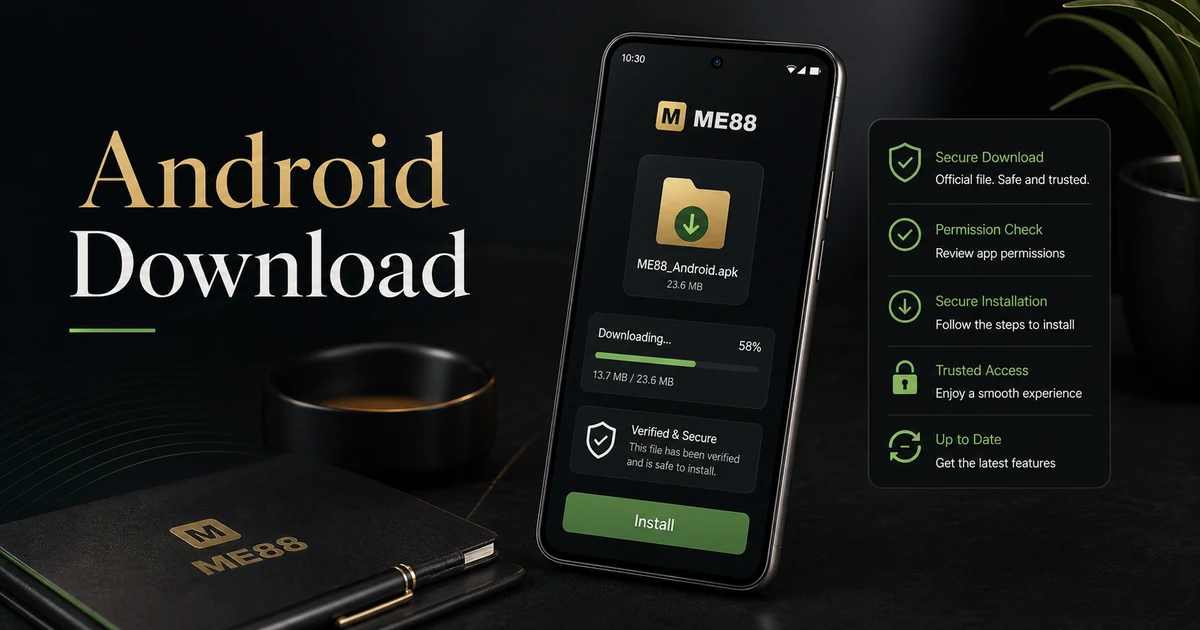
The ME88 Android Download page is the official mobile access guide for Malaysia users who want to install or use ME88 on an Android device. This page explains the safest route to check before downloading, what to review during installation, and how to avoid unofficial files or misleading third-party links.
Use only the official ME88 access route, review the source before installing, and contact support if the download path looks unfamiliar.
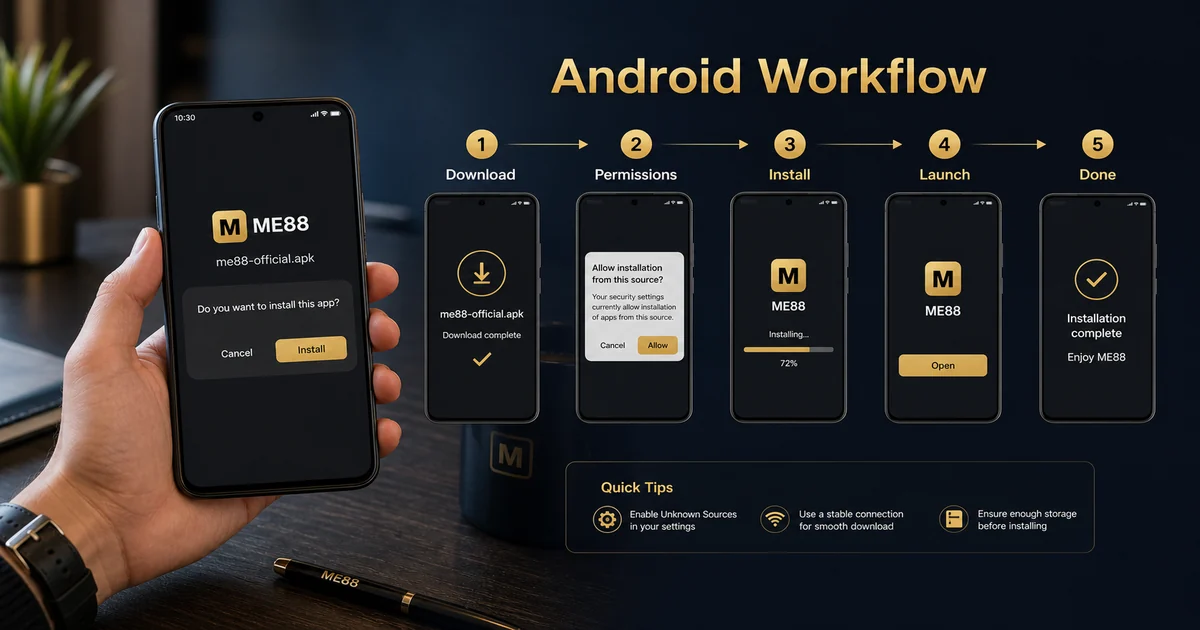
Official Download Explanation
Android users may access ME88 through the official mobile route shown by the platform. The purpose of this page is not to push a file quickly, but to help users confirm the correct route, understand device prompts, and avoid unsafe installation habits.
Installation Guide
- Start from the official ME88 Malaysia website or the verified download section.
- Check that the page matches the ME88 brand and does not ask for unusual information.
- Download only the current Android file or follow the official Android access instruction.
- Review any Android security prompt before allowing installation.
- Open the app or mobile page, then log in only through the official ME88 access screen.
Do not install APK or Android files from chat groups, copied links, unknown advertising pages, or file-sharing websites. If the source is unclear, stop and use the official Download Center.
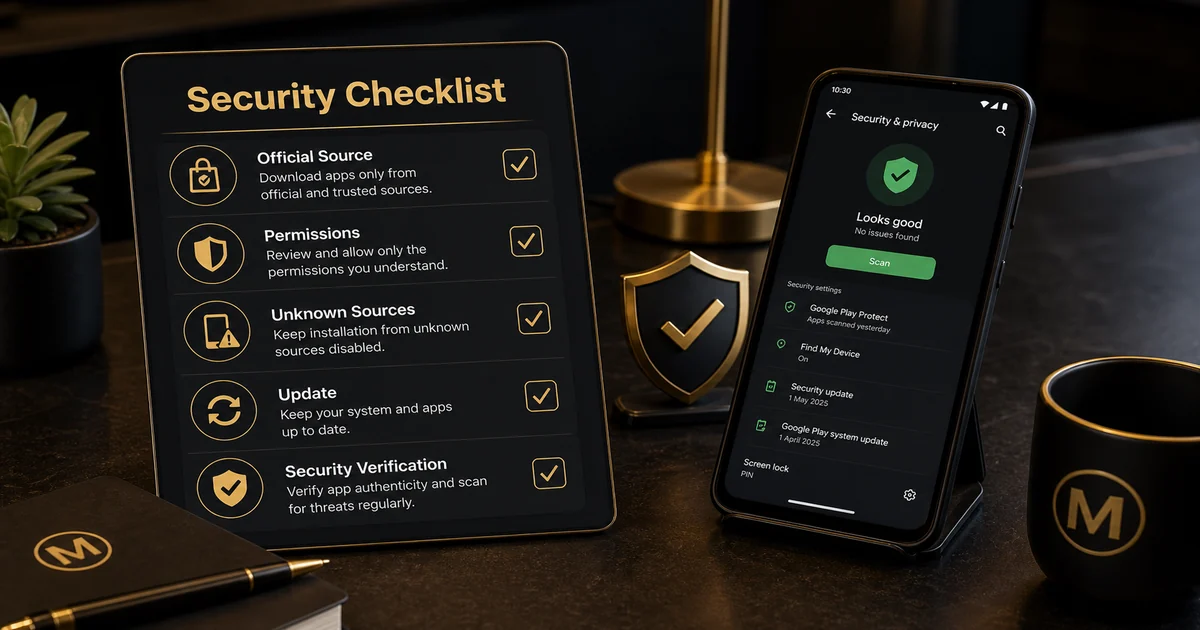
Security Checklist
- Confirm the website address before downloading.
- Keep Android and browser security updates active.
- Do not reuse passwords from other services.
- Remove older unofficial files before installing a new version.
- Contact support if the download page looks different from expected.
Official vs Third-party Comparison
| Official ME88 Route | Third-party Source |
|---|---|
| Clear brand route and safer verification path. | May include outdated files, modified APKs, or unclear permissions. |
| Better for account protection and support follow-up. | Harder to verify and should be avoided. |
Troubleshooting
If the Android file does not install, check device storage, browser permissions, Android security settings, and whether the file came from the official route. If login fails after installation, avoid repeated attempts and contact Contact Support for help.
Frequently Asked Questions
Is the ME88 Android download available in Malaysia?
Android access guidance is provided for Malaysia users through the official ME88 route.
Should I install files from third-party websites?
No. Third-party files can be unsafe or outdated.
Why does Android show a security prompt?
Android may ask users to confirm installation permissions. Review the source before continuing.
What should I do if installation fails?
Check storage, permissions, device settings, and whether the file came from the official route.
Can I use mobile browser instead?
Yes, mobile browser access may be suitable when app installation is not required.
How do I keep my account safe?
Use strong login details, avoid shared devices, and never enter details through unknown links.
Related Downloads
Compare this Android guide with iOS and APK options through the official download hub before choosing your mobile route.
Related Guides
New users can continue with the Gaming Guides hub to understand account safety, app access, promotions, and responsible gaming basics.
Natural Next Step
When the official route is clear and your device is ready, continue from the download hub or use the register button on the website when you are ready.
Responsible Gaming Reminder
ME88 Malaysia content is for adults only. Mobile access should remain part of controlled entertainment. Set limits, avoid rushed decisions, and take a break if gaming stops feeling manageable.