Which download guide should I open first?
Choose Android, iOS, or APK based on your device and the access method you intend to use.
Official Download Center
Choose the correct ME88 access method for your device, review installation steps, check security guidance, and find support if mobile access does not work as expected.
Device Access Center
The Download Center helps Malaysia users understand Android, iPhone, APK, and browser access before installing or logging in. It is structured around device selection, installation, security checks, updates, troubleshooting, and support.
Choose Your Device
Pick the route that matches your current device. Future device support is shown without creating empty pages.
Download and install guidance for Android-style mobile access.
Open Android Guide iBrowser and home screen access guidance for iPhone users.
Open iOS Guide APKAPK source checks, permissions, installation and update guidance.
Open APK GuideUse browser access when app installation is not the right option.
Check iOS or Android notesFuture-ready device support slot. No public page is created yet.
Future-ready desktop access slot. No public page is created yet.
Future-ready mobile web app slot. No public page is created yet.
Reserved for official device guidance when more routes are available.
Featured Downloads
Current published download pages from Article CMS.
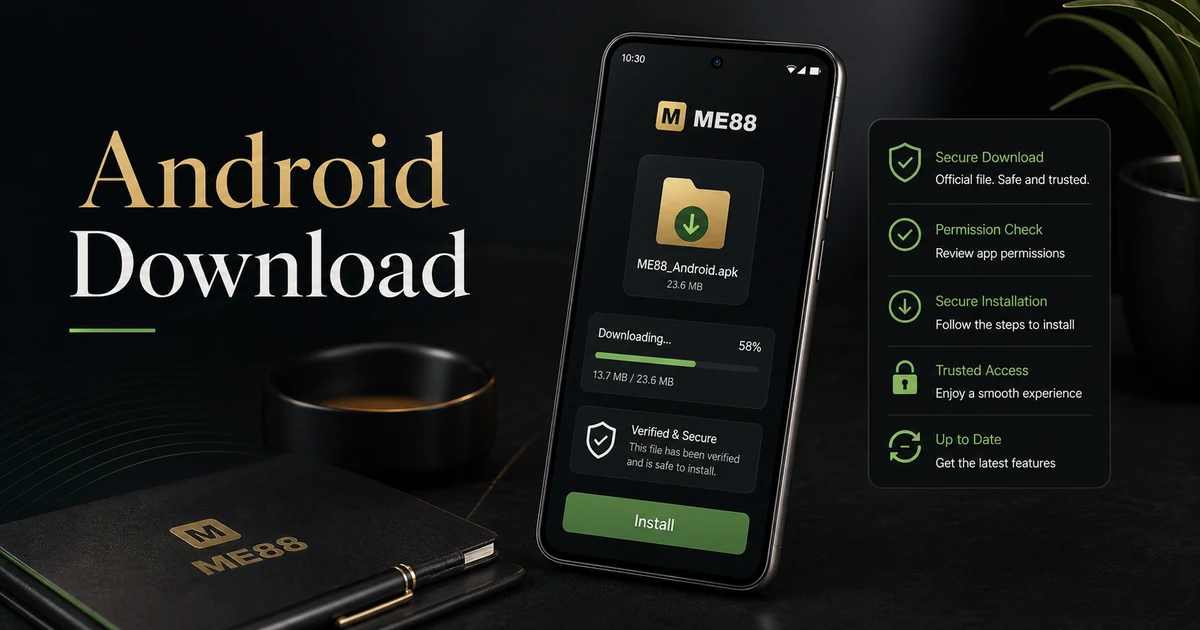
Official ME88 Android download guidance for Malaysia users, including installation steps, security checks, troubleshooting, FAQ, and responsible mobile access reminders.
Open Guide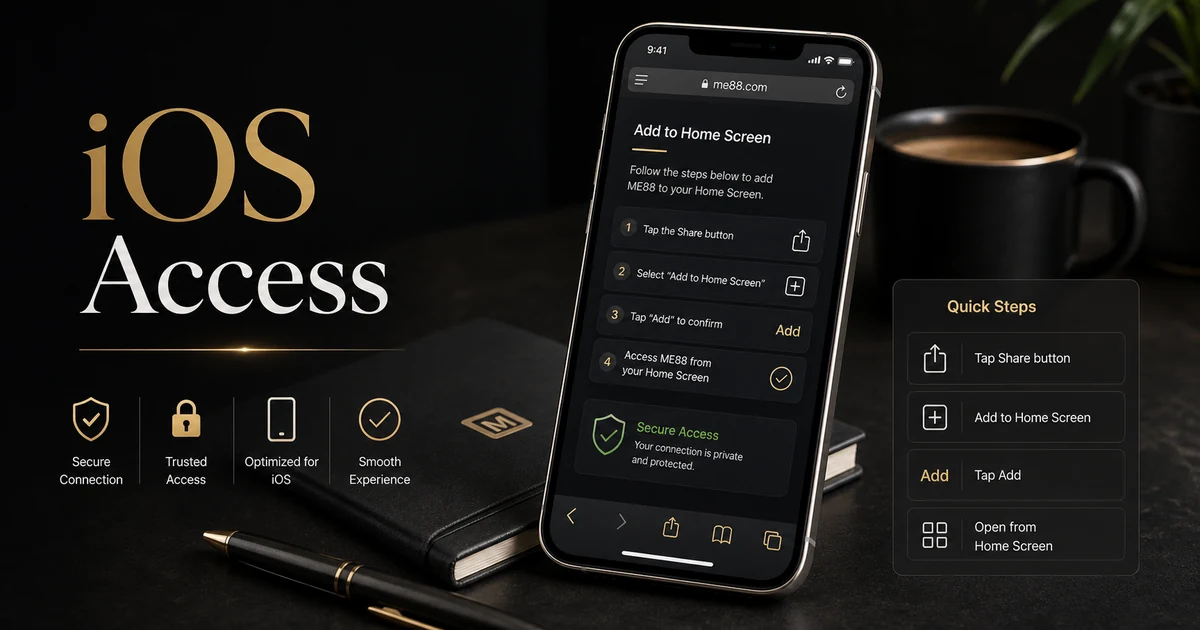
Official ME88 iOS access guidance for Malaysia iPhone users, including setup options, security checks, troubleshooting, FAQ, and responsible mobile access reminders.
Open Guide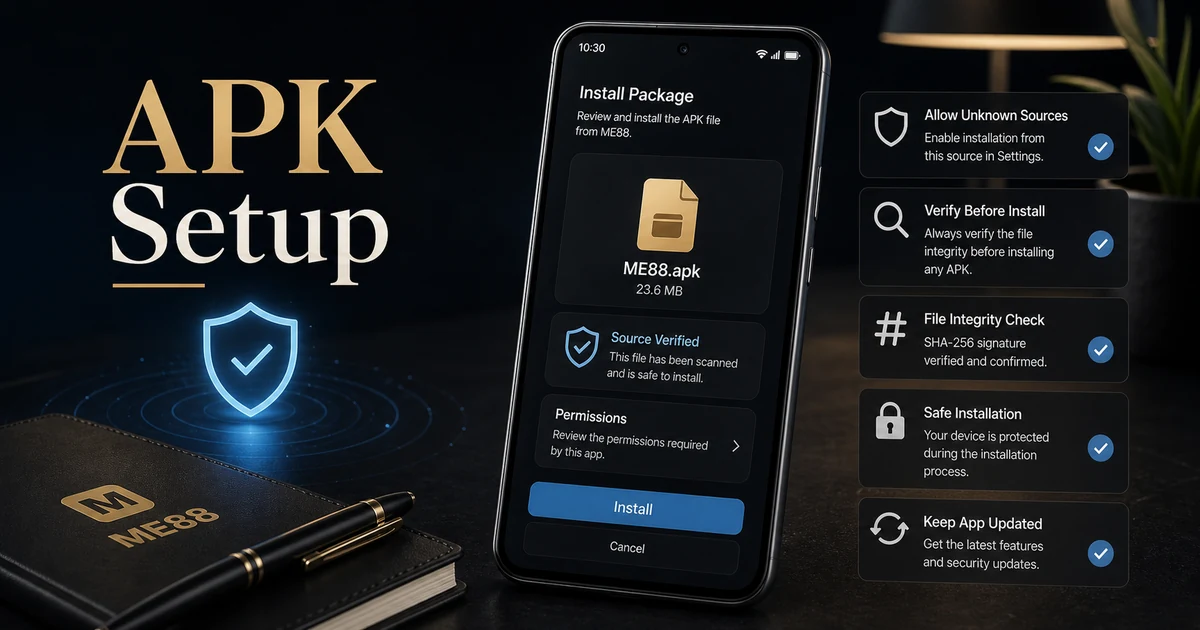
Official ME88 APK download guidance for Malaysia Android users, including safer installation checks, source verification, troubleshooting, FAQ, and responsible mobile access reminders.
Open GuideInstallation Steps
The exact steps depend on your device, but the official path should always follow a careful sequence.
Select Android, iOS, APK, or browser based on your current access method.
Use official ME88 pages and avoid unknown third-party download links.
Follow the guide, check permissions, and keep your device updated.
If something fails, check troubleshooting or contact support calmly.
Security Recommendations
Device access should feel official, controlled, and easy to verify.
Start from ME88 pages and avoid files or links sent by unknown sources.
Only continue when permissions match the guide and your device settings.
Security and compatibility improve when your browser, OS, and app are current.
Download FAQ
Quick answers for users choosing the right device path.
Choose Android, iOS, or APK based on your device and the access method you intend to use.
APK is one Android installation route, but it requires extra source and permission checks before use.
No. iPhone users should review the iOS access guide and browser/home screen options.
Check device storage, browser settings, permissions, network stability, and the relevant troubleshooting guide.
No. Use official ME88 pages and contact support if you are unsure about a file or route.
Some users review download guidance first, while account actions should use the official Register page.
Need Help?
If you are unsure which route to use, do not install unknown files. Review the relevant guide or contact ME88 support for the safest next step.