Official Guide Information
Registration & Account support guide
Quick Answer
How registration works
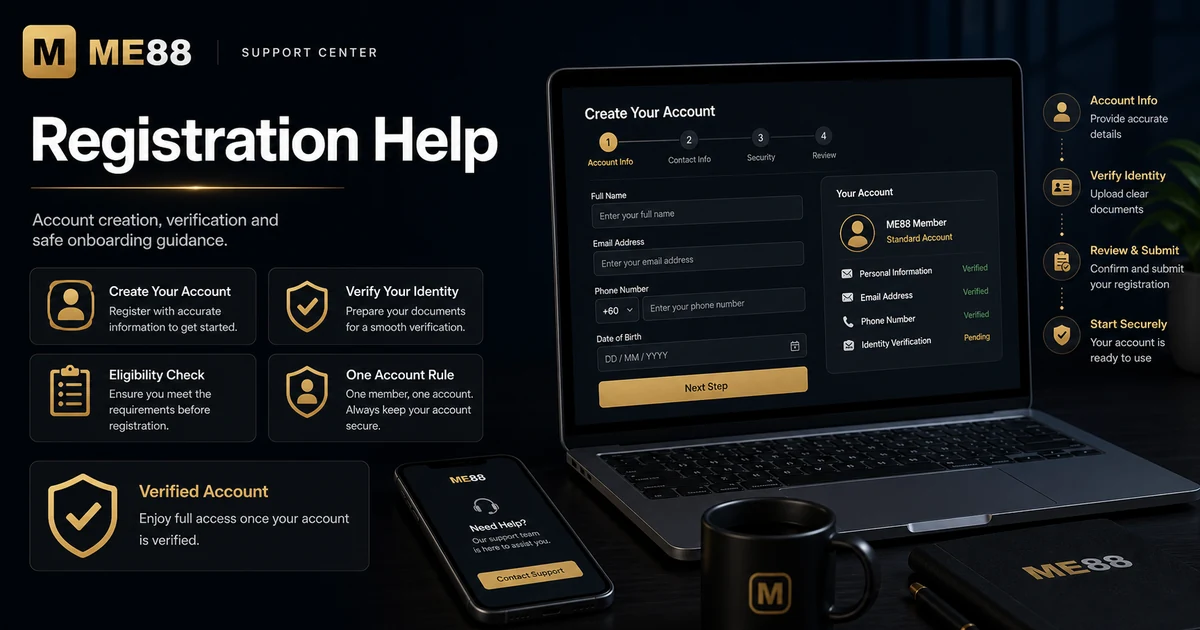
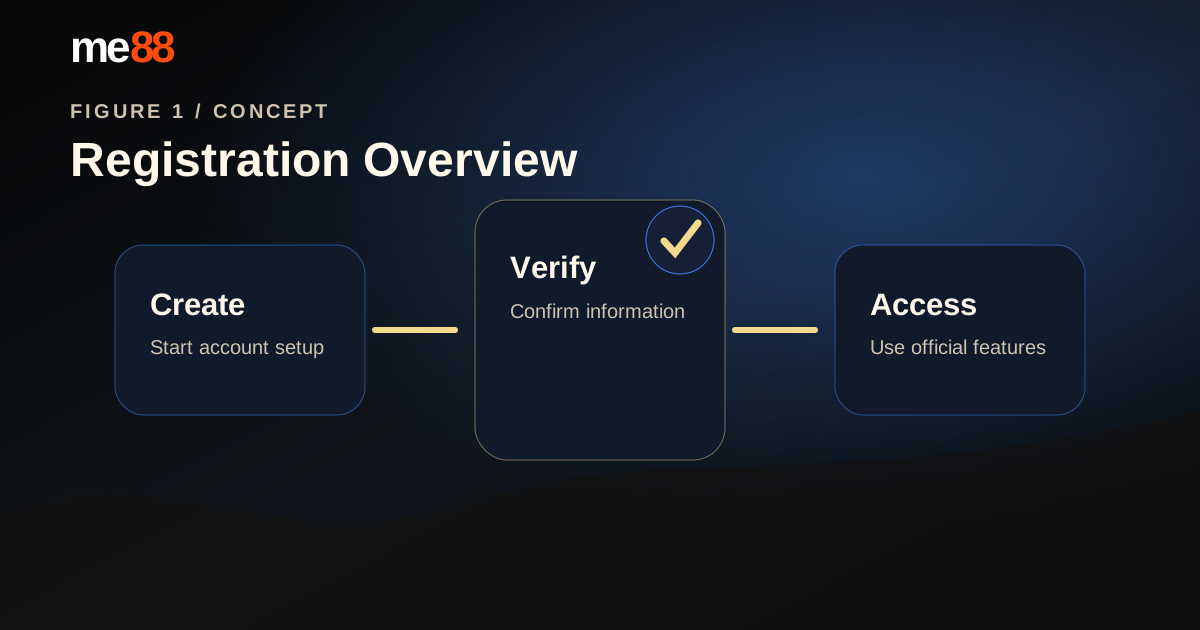
To create an ME88 account, start from the official registration page, enter accurate information, follow the one-account rule and prepare for verification if requested. If a step fails, check the common problems section before contacting support.
Registration Overview
Before you start
This page is a calm support guide for account setup. It is not a promotion page and not a long FAQ list. Use it to understand the full registration path first, then open only the help topic that matches your question.
Step-by-Step Timeline
The account setup flow
Most Common Questions
Account setup help
How do I register an ME88 account?
Registration should start from the official ME88 Malaysia route. Avoid third-party links, copied forms or unofficial messages that ask for account details.
- Open the official ME88 Register page.
- Enter accurate account and contact information.
- Review the terms, privacy notice and responsible gaming reminder.
- Submit the form only when the details are correct.
Need more help? Contact Support.
What information do I need?
The exact fields may change, but registration usually works best when your information is consistent and easy to verify.
- Account username or login details.
- Active phone number or email, if requested.
- Accurate personal information for account review.
- Secure password that is not reused elsewhere.
Related guide: About ME88.
Can I create more than one account?
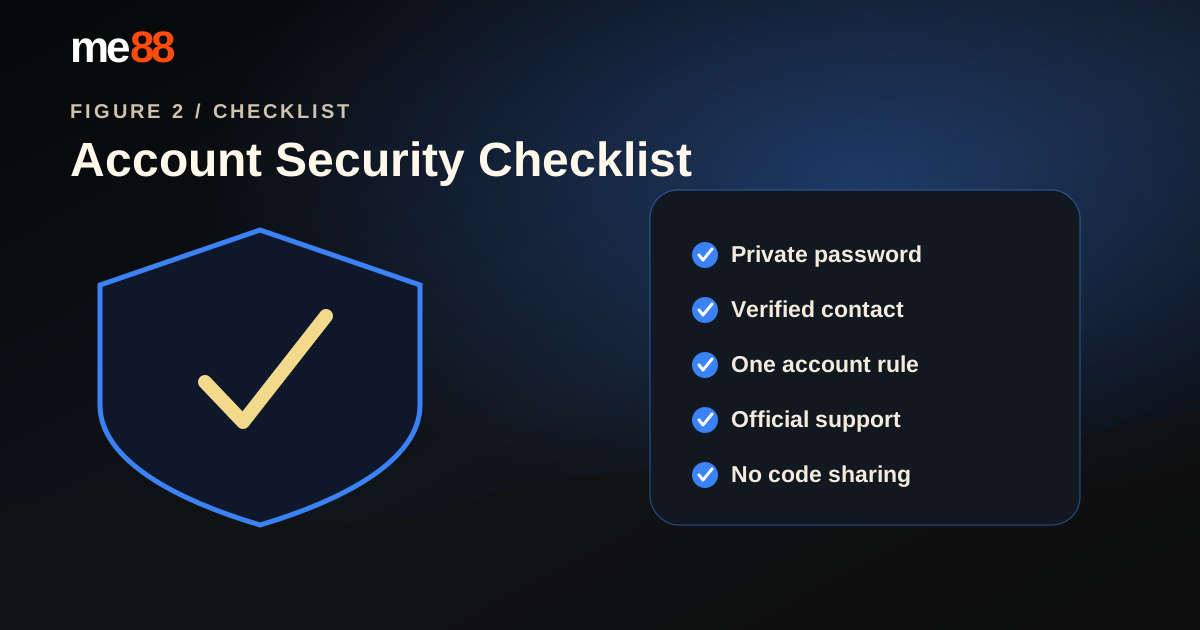
Duplicate accounts can cause verification, promotion and access problems. If you cannot access an existing account, recover it instead of opening another one.
- Do not create a second account to solve a login problem.
- Do not register with another person's details.
- Contact support if you are unsure whether an older account exists.
Need more help? Contact Support.
Why should I verify my account?
Verification may be used to confirm account ownership, reduce account recovery issues and support responsible use of ME88 Malaysia services.
- Keep your contact information current.
- Follow official instructions only.
- Never share passwords or verification codes with anyone.
Related guide: Responsible Gaming.
Common Problems
When registration does not work
Common registration problems
If registration does not complete, review the issue calmly before trying again. Repeated submissions with different information may create more problems.
- Check that all required fields are complete.
- Confirm your phone or email can receive messages.
- Refresh the page or try a stable network.
- Clear browser cache if the form does not load correctly.
- Contact support if you may already have an account.
Need more help? Contact Support.
Helpful Resources
Useful next pages
Contact Support
Still need help?
If the registration issue continues after checking the sections above, contact support with a clear description of the problem, your device type and the step where the issue happened. Do not include passwords or verification codes.