ME88 Malaysia Support Center
Quick Answer
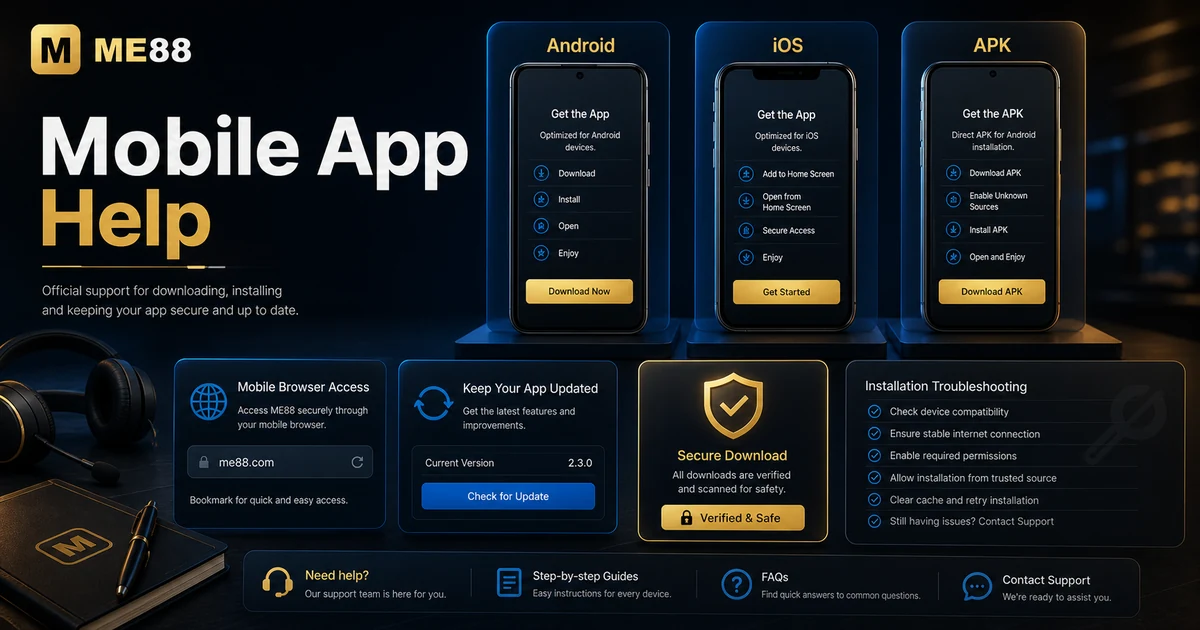
For mobile access, start from the official ME88 download or browser route, choose the correct platform, check installation permissions carefully and keep the app or browser updated.
How Mobile Access Works
ME88 Malaysia users may access the platform through Android, iOS, APK or mobile browser routes. The safest option is always the one linked from the official website.
- Open the official ME88 download page and choose Android, iOS, APK or browser access.
- Check that the download route matches your device before installing anything.
- For APK files, review security prompts and only continue if the source is official.
- After installation or browser access, log in through the official route and avoid saving details on shared devices.
- If the app does not open correctly, update your browser, check storage space and restart your device before contacting support.
Support Checklist
- Use the official ME88 download page only.
- Match the platform to your device.
- Avoid third-party APK mirrors or forwarded files.
- Keep your device OS and browser updated.
- Check app permissions before continuing.
Common Issues and Troubleshooting
- Android installation blocked: Review device security settings and confirm the APK source is official before allowing installation.
- iOS access not installing like an app: Some iOS access may work through browser or web shortcut rather than a traditional app install.
- APK warning appears: Warnings can appear for APK files. Stop if the file did not come from the official ME88 route.
- App feels slow on mobile: Close unused apps, check connection strength and update your browser or device software.
Related ME88 Pages
Frequently Asked Questions
Where should I download the ME88 app?
Use the official ME88 Malaysia download page or trusted internal links from the website.
Is APK download available?
APK access may be available where supported, but users should only use official routes and avoid third-party files.
Can iOS users access ME88?
Yes. iOS users may use supported browser or mobile access methods depending on the current official route.
What should I do if installation fails?
Check storage, permissions, browser version and device compatibility. Then contact support if the issue continues.
How do I update the app?
Use the official download or update route and avoid files sent through unofficial channels.
Is mobile browser access supported?
Yes, mobile browser access can be useful when an app install is unavailable or not required.
Security Reminder
Downloads are a security-sensitive area. Never install files from unknown mirrors, social messages or unofficial sources. Use official ME88 routes only.
Need more help?
If the steps above do not solve the issue, contact ME88 support with clear details and screenshots where appropriate.