ME88 Malaysia Support Center
Quick Answer
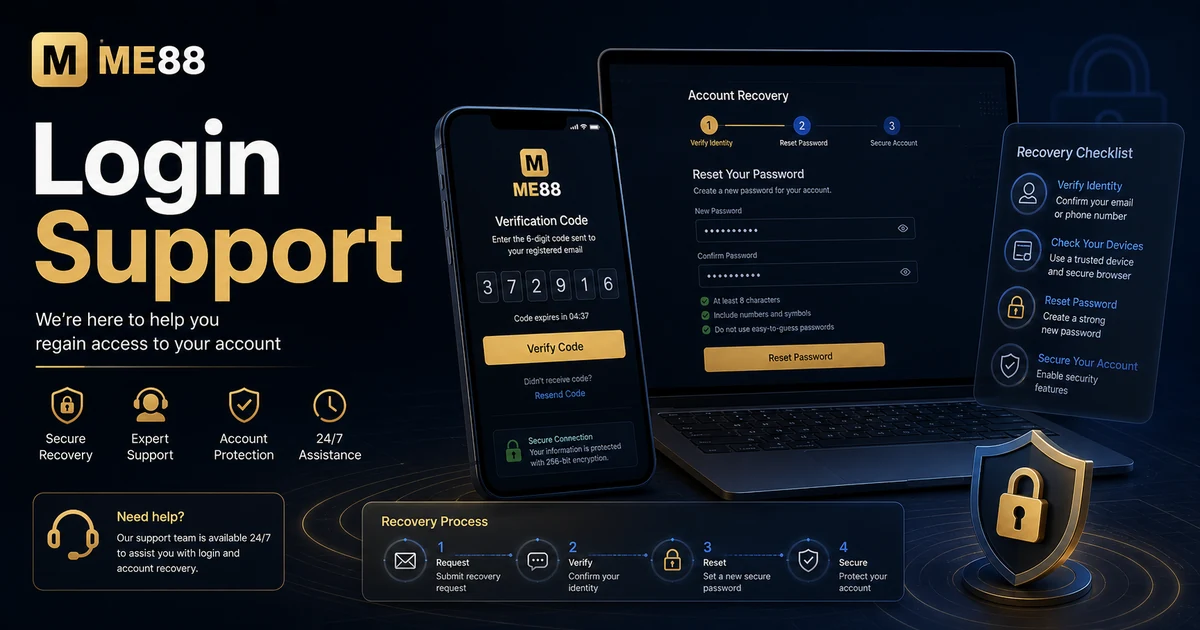
If you cannot log in, first confirm you are using the official login page, check your password and connection, then use recovery or support instead of repeatedly guessing login details.
How to Log In Safely
Login problems are usually caused by incorrect details, browser issues, mobile network changes or account protection checks. Work through the basics before requesting support.
- Open the official ME88 login page from the website header.
- Enter your account details carefully and check for typing errors.
- If you forgot your password, use the approved recovery flow instead of creating a new account.
- On mobile, try refreshing the page, switching network, or using a modern browser if the page does not load correctly.
- If access is still blocked, contact support with your account identifier, device type, browser and any visible error message.
Support Checklist
- Confirm the URL is the official ME88 Malaysia route.
- Check caps lock, saved passwords and auto-fill errors.
- Avoid repeated failed login attempts.
- Keep recovery codes and verification messages private.
- Use a secure device and updated browser.
Common Issues and Troubleshooting
- Forgotten password: Use the official recovery flow or contact support. Do not open a second account.
- Login page does not load: Clear browser cache, try a different network or use mobile browser access.
- Account temporarily restricted: This may relate to security checks, verification or policy review. Contact support for the next step.
- Mobile login problem: Update your browser, check mobile data stability and avoid using suspicious mirror links.
Related ME88 Pages
Frequently Asked Questions
What should I do if I forgot my password?
Use the official recovery method or contact support. Do not create another account to bypass login problems.
Why can I not access my account?
Common reasons include incorrect login details, browser issues, verification checks or temporary account protection.
Can I log in on mobile?
Yes. Use the official mobile route or browser access and make sure your browser is updated.
Should I save my password in the browser?
Only save passwords on a private and secure device. Avoid saving login details on shared devices.
What information should I provide support?
Provide your account identifier, device type, browser, approximate time and the error message if one appears.
Can support ask for my password?
No. You should never share your password or one-time verification code with anyone.
Security Reminder
Account recovery should always happen through official ME88 support or approved recovery steps. Avoid links sent by unknown contacts and never share verification codes.
Need more help?
If the steps above do not solve the issue, contact ME88 support with clear details and screenshots where appropriate.